套壳儿 · Shell Yeah

截图一套,
马上出片。

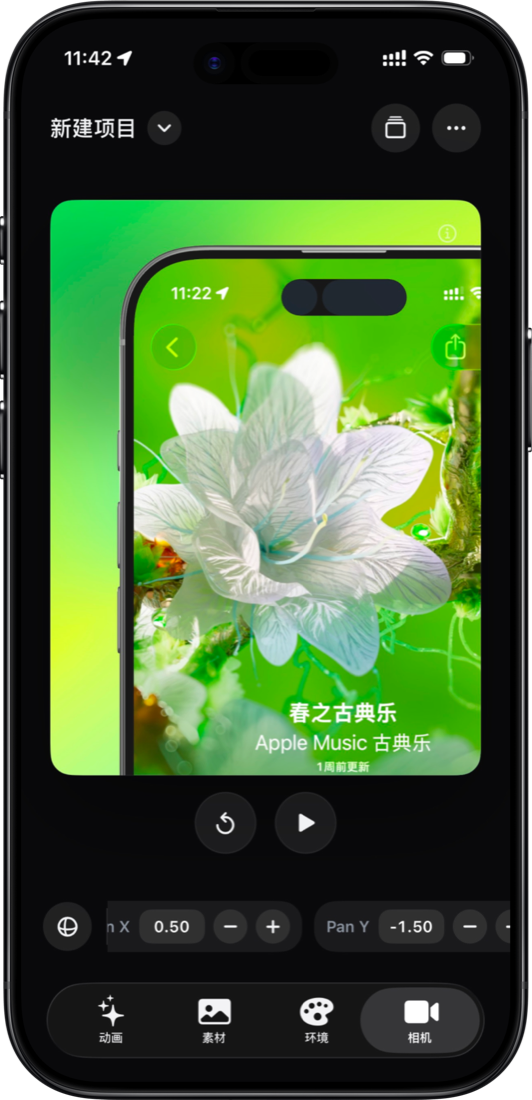
为独立开发者和创作者准备的 3D 界面样机工具。把截图放进设备,选择尺寸模板,调整背景、光影、相机和导出参数。

Shell Yeah app interface showing the 3D mockup editor with AI motion controls
Shell Yeah AI motion editor
AI 动画
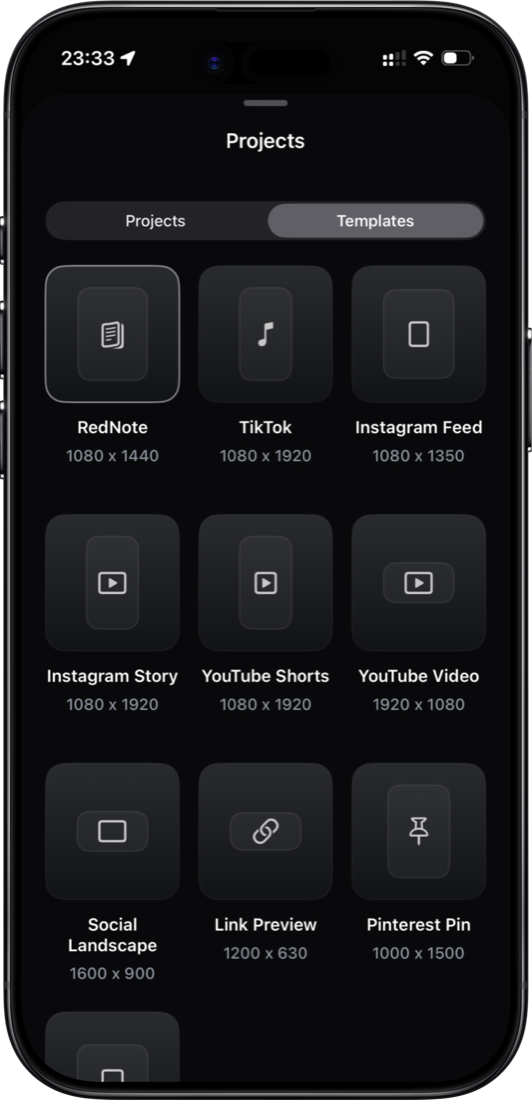
Shell Yeah project template picker
尺寸模板
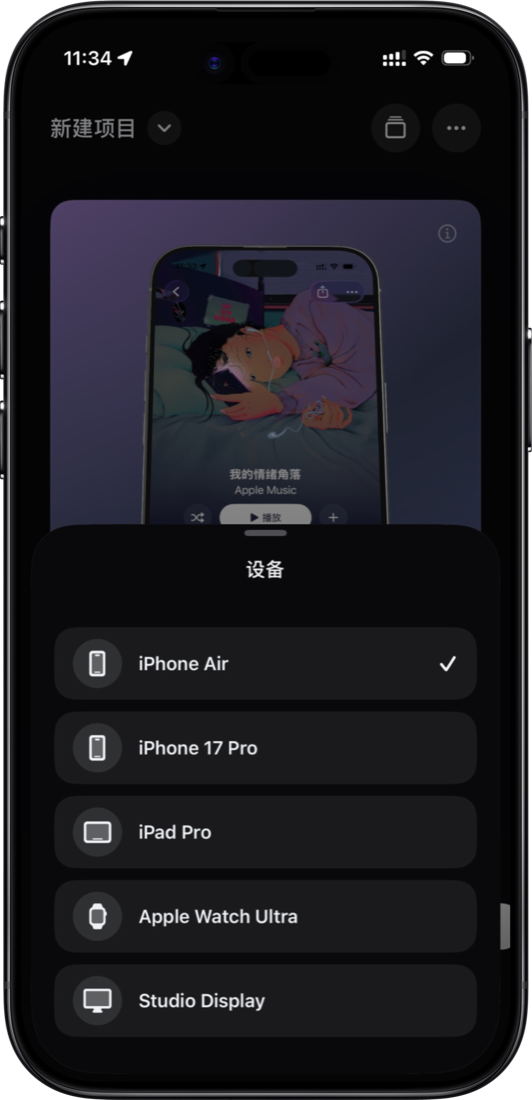
Shell Yeah device picker
多设备
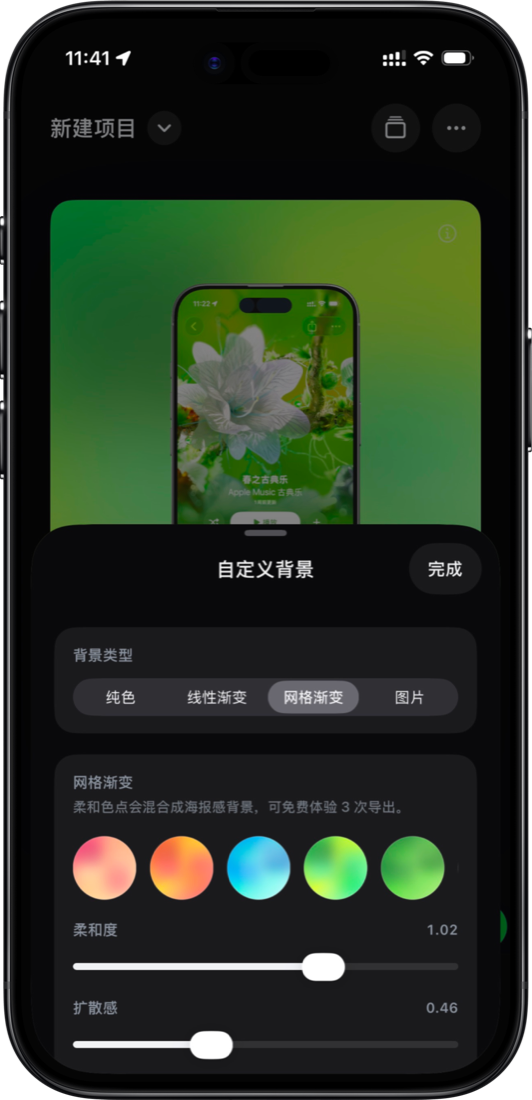
Shell Yeah custom background editor
自定义背景
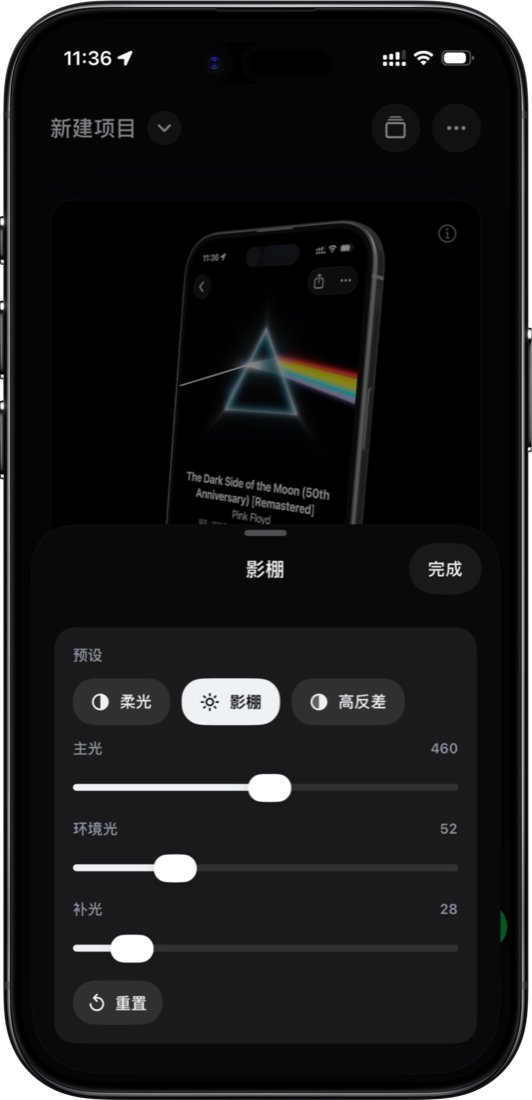
Shell Yeah lighting controls
环境光影
Shell Yeah camera detail controls
相机细节

每一步都为快速出片而设。

导入截图后,直接选择设备、尺寸模板、背景、光影和相机参数,在手机上完成一张干净的 3D 样机图。

01

模板先行

RedNote、TikTok、Instagram、YouTube、Pinterest 等尺寸直接开局,减少从空白画布开始的时间。
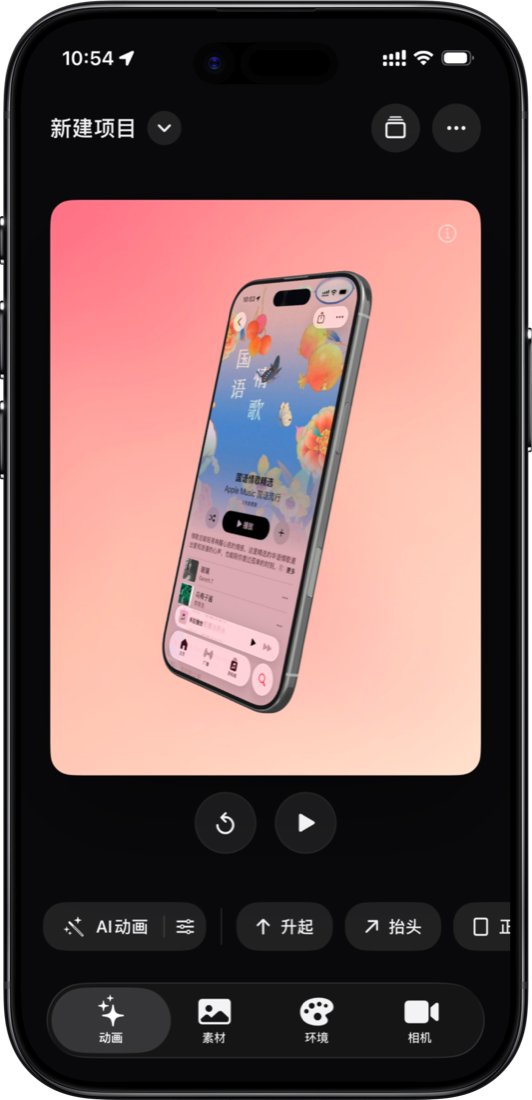
02

设备与场景

在 iPhone、iPad、Apple Watch、Studio Display 等设备间切换,并用纯色、渐变、图片背景搭出画面。

03

光影与相机

用柔光、影棚、高反差等预设控制质感,再通过平移、旋转和相机参数放大关键细节。
Shell Yeah

Drop in a screen. Shell yeah.